Usability and Accessibility
Why They Matter in Modern Websites
What Is Web Usability?
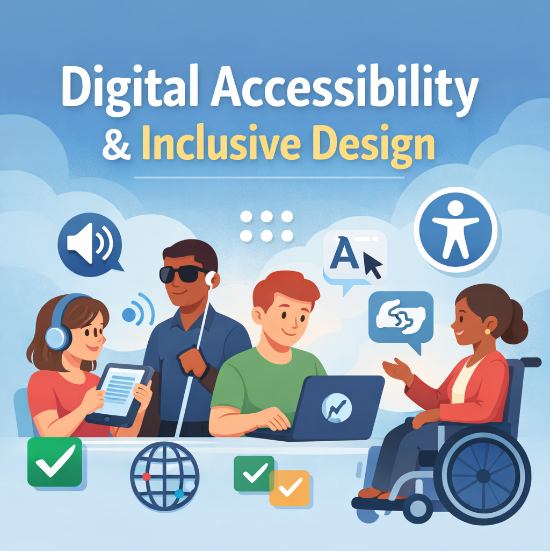
When people visit a website, they expect it to be easy to use and accessible to everyone, regardless of ability or device. Two concepts that support these expectations are web usability and web accessibility. While they are closely related, usability focuses on how easy a site is to navigate, while accessibility ensures that people with disabilities can fully access and interact with content.
For businesses, blogs, and organizations, improving usability and accessibility is not only ethical but also practical. Accessible and usable websites reach more users, improve search engine performance, and create a better overall user experience. This blog explores the importance of usability and accessibility, explains key best practices, and highlights why they matter in today’s digital environment.
What Is Web Usability?
Web usability refers to how easily users can navigate and interact with a website. A usable website allows visitors to quickly find information, understand content, and complete tasks without confusion or frustration.
Common usability best practices include:
- Consistent navigation menus across pages
- Clear headings and readable fonts
- Logical page structure
- Predictable layout and design elements
When usability is poor, users often leave a site quickly. This increases bounce rates and reduces engagement, which can negatively affect both user satisfaction and search engine rankings.
What Is Web Accessibility?
Web accessibility ensures that people with disabilities can use websites effectively. This includes users who rely on screen readers, keyboard navigation, captions, or high-contrast displays. Accessibility is commonly guided by the Web Content Accessibility Guidelines (WCAG), which outline standards for making web content more inclusive.
Key accessibility features include:
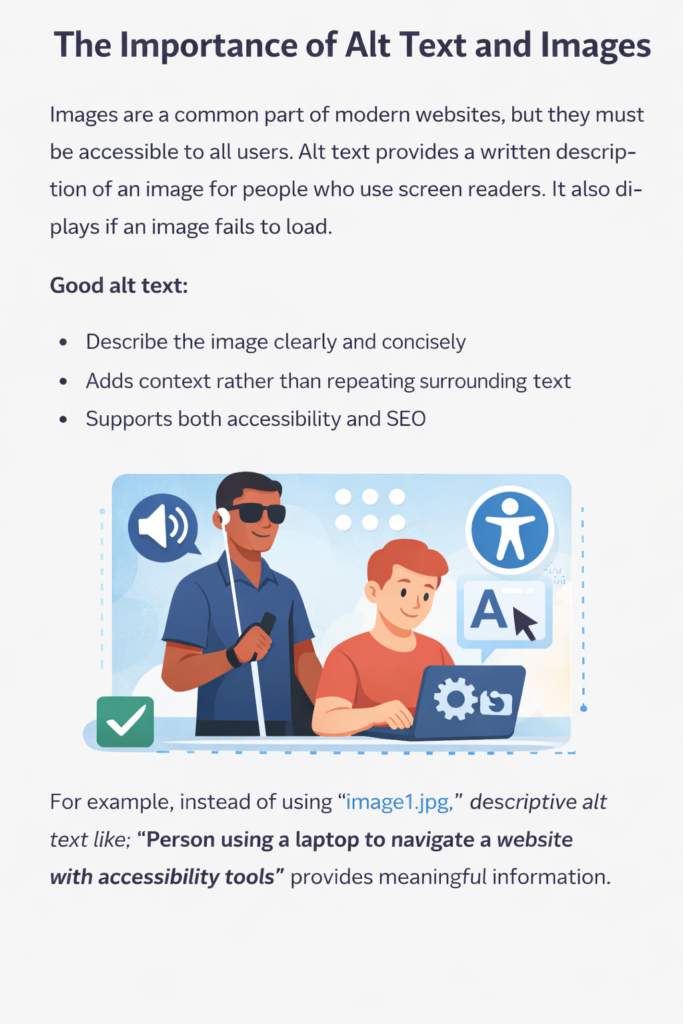
- Alternative (alt) text for images
- Proper heading hierarchy (H1, H2, H3)
- Strong color contrast between text and backgrounds
- Keyboard-friendly navigation
- Captions or transcripts for video content
Accessible web design benefits users with visual, hearing, cognitive, and mobility impairments while also improving the experience for all visitors.
Why Usability and Accessibility Work Together
Although usability and accessibility are different concepts, they overlap significantly. A website that follows accessibility guidelines is often more usable for everyone. For example:
- Clear headings help screen readers and make content easier to scan
- Descriptive link text improves navigation for all users
- Keyboard navigation benefits users with disabilities and power users alike
When usability and accessibility are combined, websites become more intuitive, inclusive, and effective.
Color Contrast and Readability
Color contrast is essential for readability, especially for users with low vision or color blindness. Text that blends into the background can be difficult or impossible to read.
Best practices for color contrast include:
- Using dark text on light backgrounds or vice versa
- Avoiding color-only indicators for links or buttons
- Testing contrast with accessibility tools
Strong contrasts improve usability, accessibility, and overall readability across devices.
.
Accessibility, Usability, and SEO
Search engines favor websites that provide a positive user experience. Many accessibility and usability improvements also support search engine optimization (SEO).
Benefits include:
- Proper headings help search engines understand content structure
- Alt text improves image search visibility
- Clear navigation improves crawlability
- Accessible content reaches a wider audience
By following accessibility standards, websites can improve both visibility and engagement.
Tools for Testing Accessibility
There are several tools available to help evaluate accessibility, including:
While automated tools are helpful, they do not replace manual testing and human judgment.
Conclusion
Web usability and accessibility are essential components of effective website design. Together, they ensure that websites are easy to use, inclusive, and optimized for both users and search engines. By following best practices such as descriptive alt text, proper heading structure, strong color contrast, and accessible navigation, website owners can create better experiences for everyone.
Accessible and usable websites are not just compliant, they are practical, user-centered, and future-ready.
.
Sources
- W3C Web Content Accessibility Guidelines (WCAG):
https://www.w3.org/WAI/standards-guidelines/wcag/ - Nielsen Norman Group – Usability Heuristics:
https://www.nngroup.com/articles/ten-usability-heuristics/
By Lori Holton
Leave a Reply